

disposable
CAMERA
click. wait. reveal.
A Heuristic Evaluation Report
Lapse

What is Lapse?
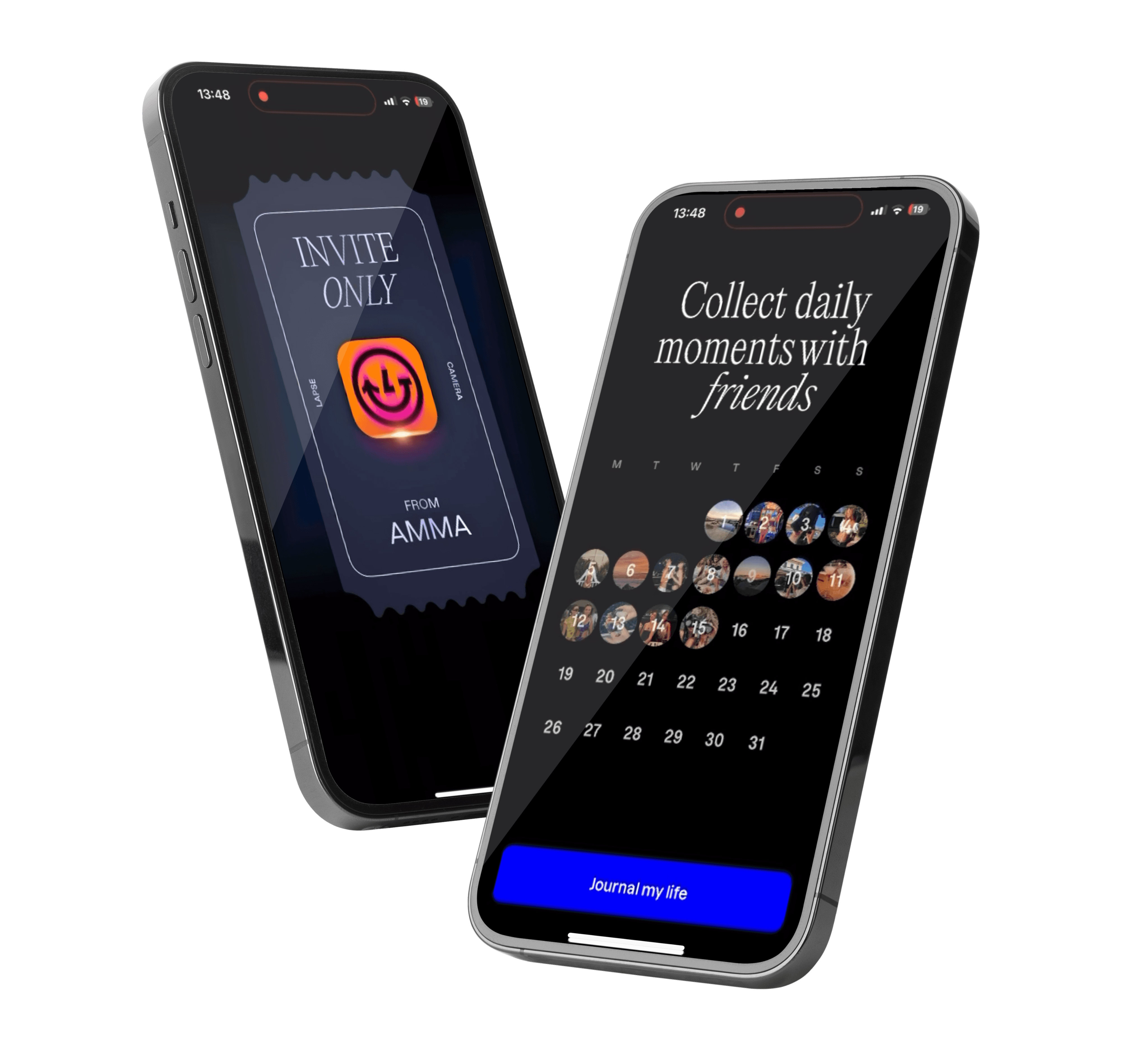
Lapse is a social media platform that works like a disposable camera. Photos can be viewed only after a delay and can’t be edited. These snaps can be shared to feeds or direct messages and users can also create shared rolls to add photos with friends.
Why Lapse?
I recently went to a friend’s house party where I joined a shared
roll on Lapse. Everyone at the party was taking pictures that wouldn’t appear until 9 hours later. I instantly fell in love with the concept because
it reminded me of film cameras my parents used when I was growing up. Waiting for the photos to be developed brought back the same excitement.
Lapse felt like the perfect modern convenience, but it took me a while to get the hang of its interface, and I felt like there was room to make the experience smoother. That’s why, I chose Lapse.
Methodology
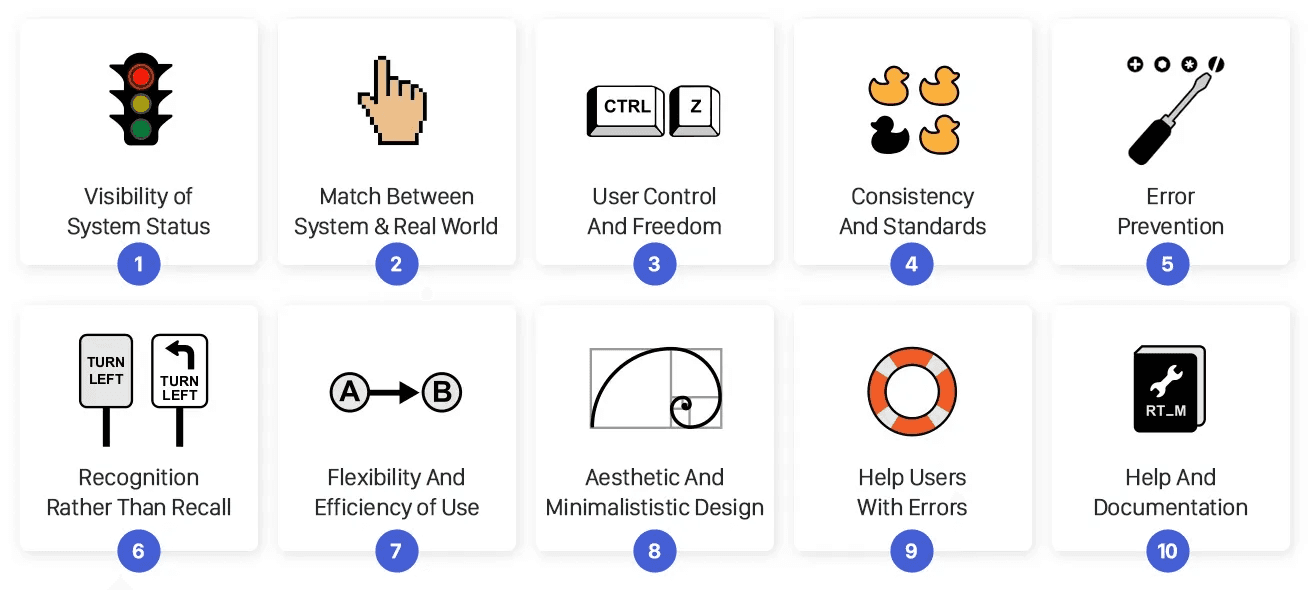
To assess the user experience of Lapse, we conducted a heuristic evaluation using Jakob Nielsen’s 10 Usability Heuristics (Read more). “Heuristics” are like flexible rules that help in finding usability problems without being tied to one specific layout or trend.
As the lead evaluator of the app, I defined the user type and goals. Taking this as a reference and with the heuristics in mind, the two other secondary evaluators in my team then reviewed the app.They documented each issue they noticed, explained which heuristic it broke, gave it a severity rating on a scale from 1 to 4 (Read more) and added screenshots to demonstrate it.
Once all findings were collected, I consolidated the ratings. This meant merging duplicate issues, comparing severity ratings, to reduce the noise and highlight the problems that mattered most. It helped reveal broader patterns that mattered most and major usability issues, for which I propose solutions in this report.
The solutions draw inspiration from widely adopted design patterns in apps like Instagram, LinkedIn, and similar social products.
Jakob Nielsen’s 10 Usability Heuristics
Methodology
User Context
Insights
Feature 1
Feature 2
Feature 3
Feature 4
User Context
Methodology
User Context
Insights
Feature 1
Feature 2
Feature 3
Feature 4

User Profile
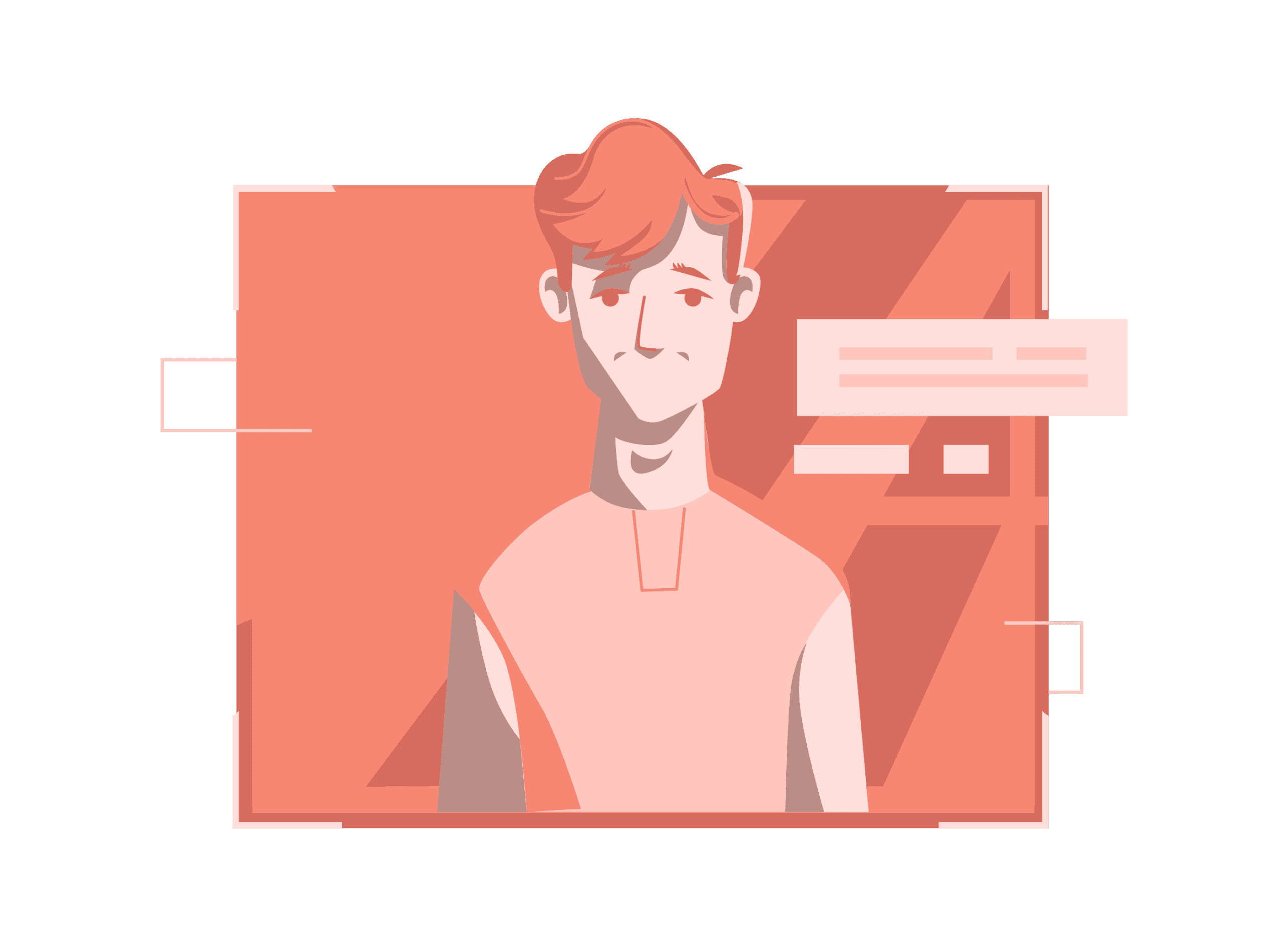
A college student who wants journal and document everyday campus life.
User tasks
Complete the onboarding process by creating an account.
Click a photo or video and journal the moment.
Archive a snap and review it later.
Send an instant photo to a friend.
Interact with a post in the home feed.
Constraints
It is the first time the user is using Lapse.
The user has a small social circle and only 4 close friends.
They have limited patience of ~2–3 minutes to figure things out.
User goals
The user wants to capture and share daily moments easily, without the pressure of editing.
Insights
Methodology
User Context
Insights
Feature 1
Methodology
Methodology
Getting Started
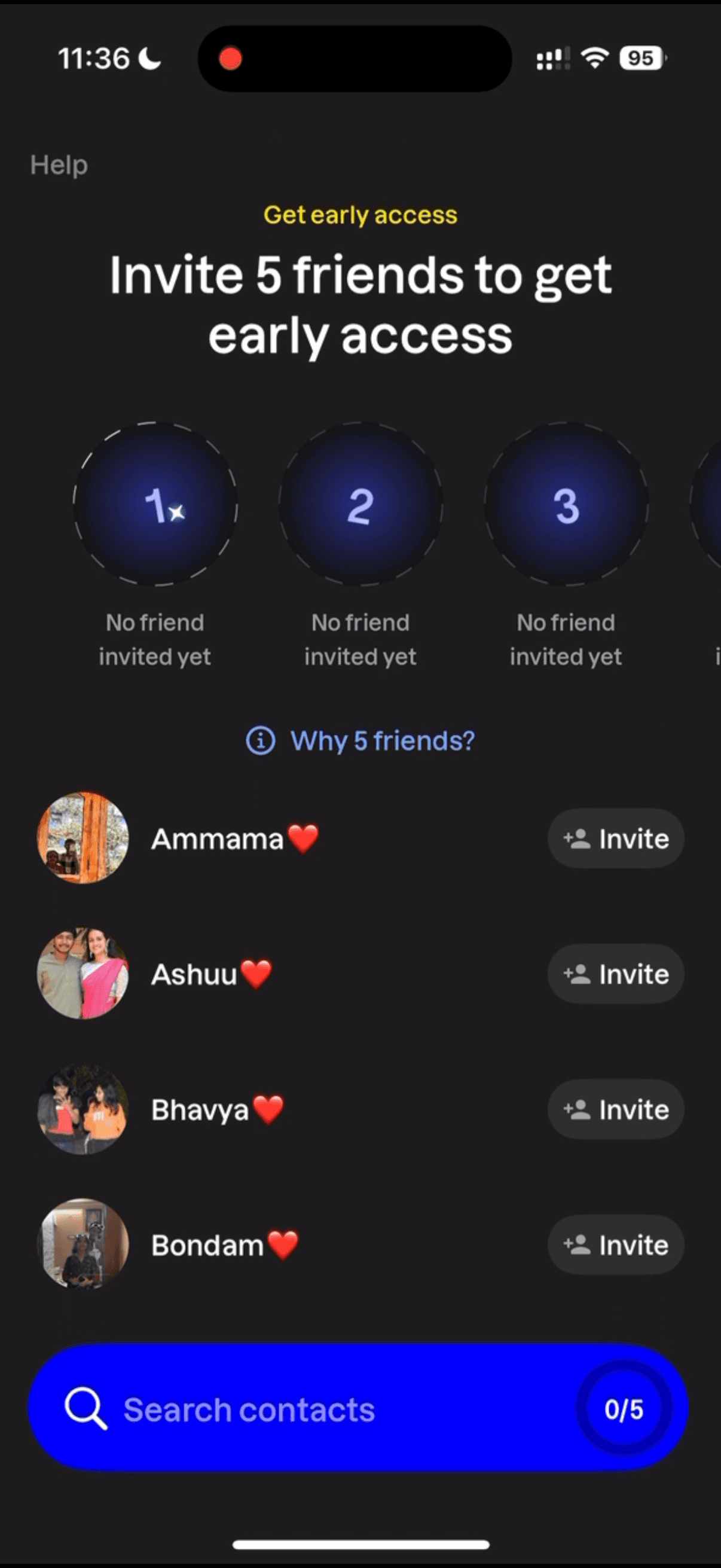
New users must invite 5 friends before using the app.
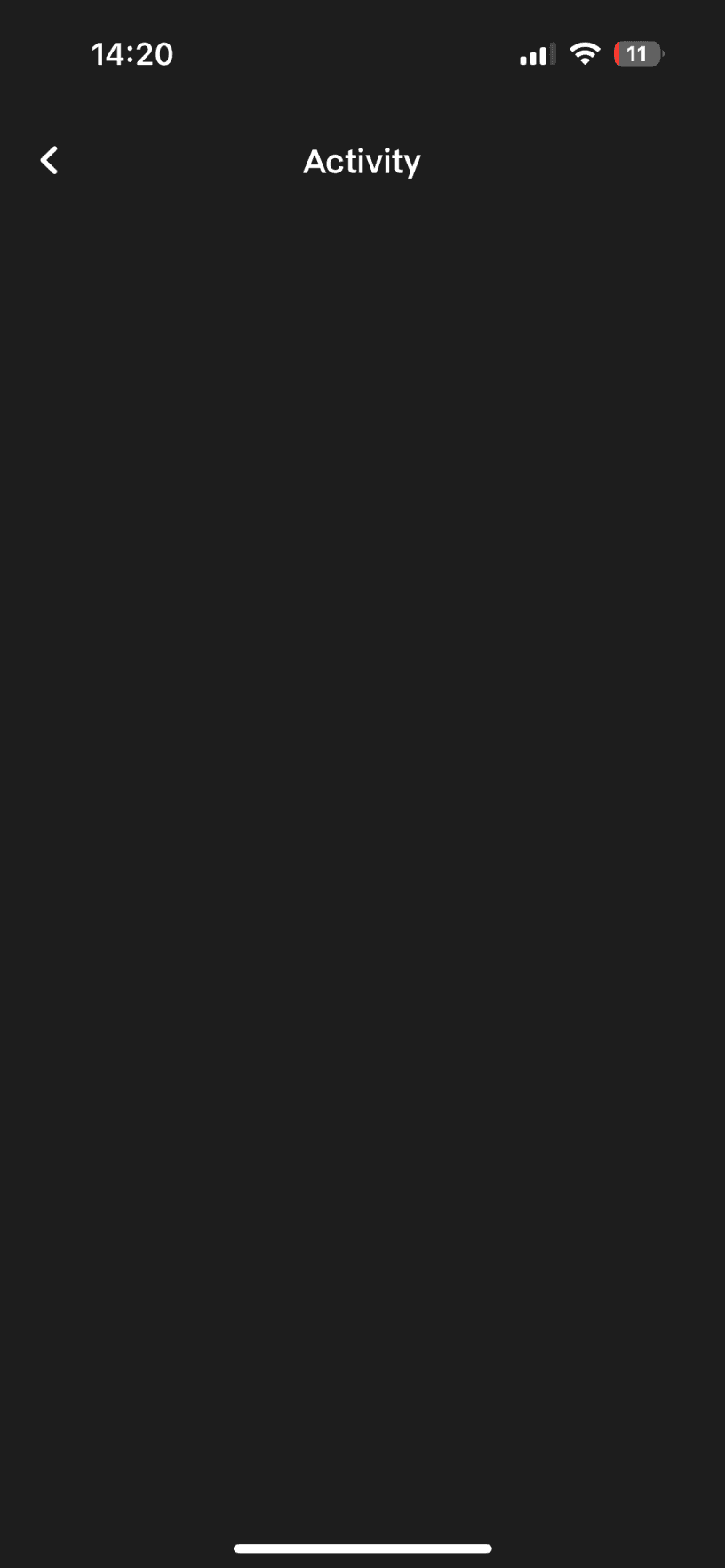
The heart icon suggest new activity, but but for new users with no posts from friends, the page is empty without explanation
Engaging with a post
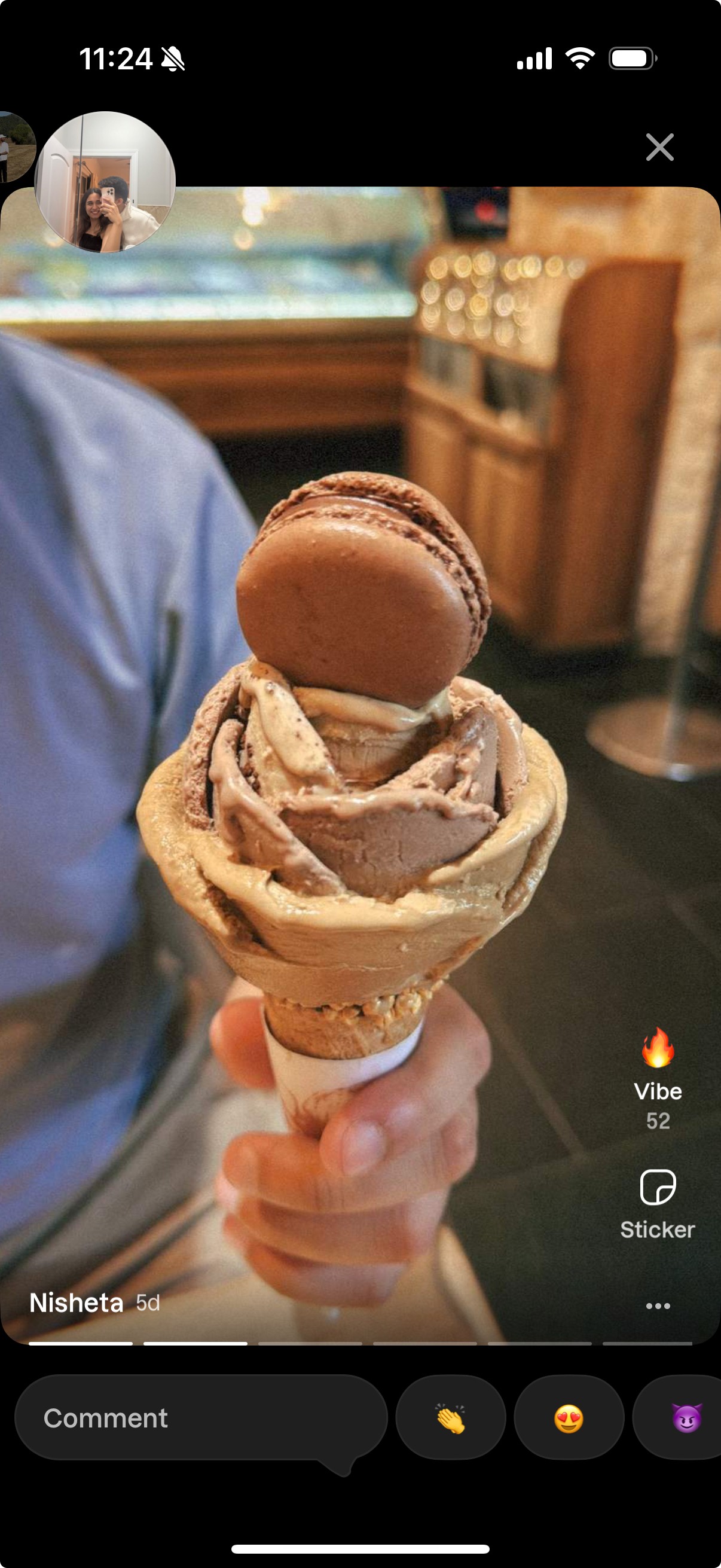
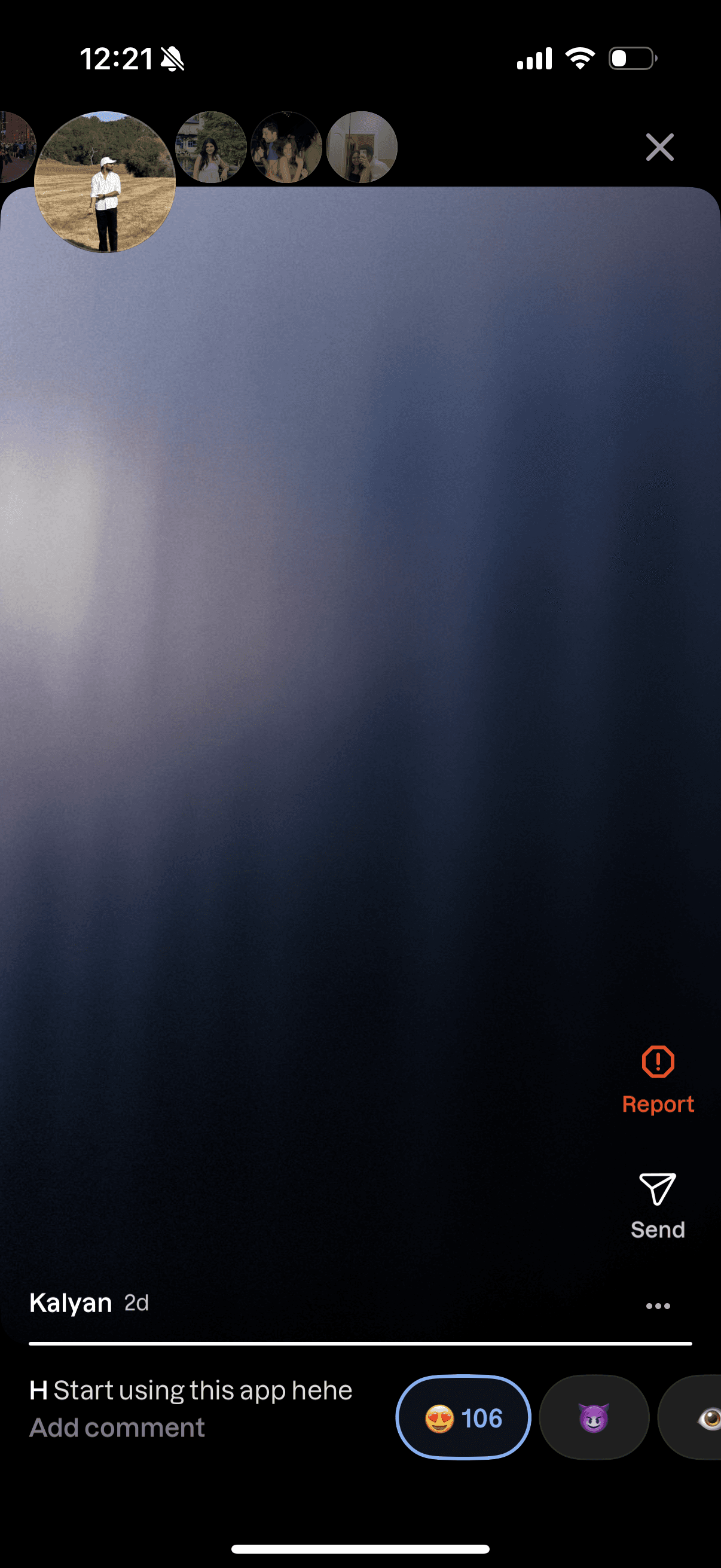
Actions like vibe, comment, and reactions are scattered, making engagement feel harder than it should.
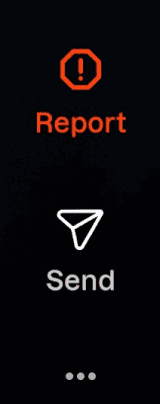
The share option is hidden inside the overflow menu, adding unnecessary steps.
Archives
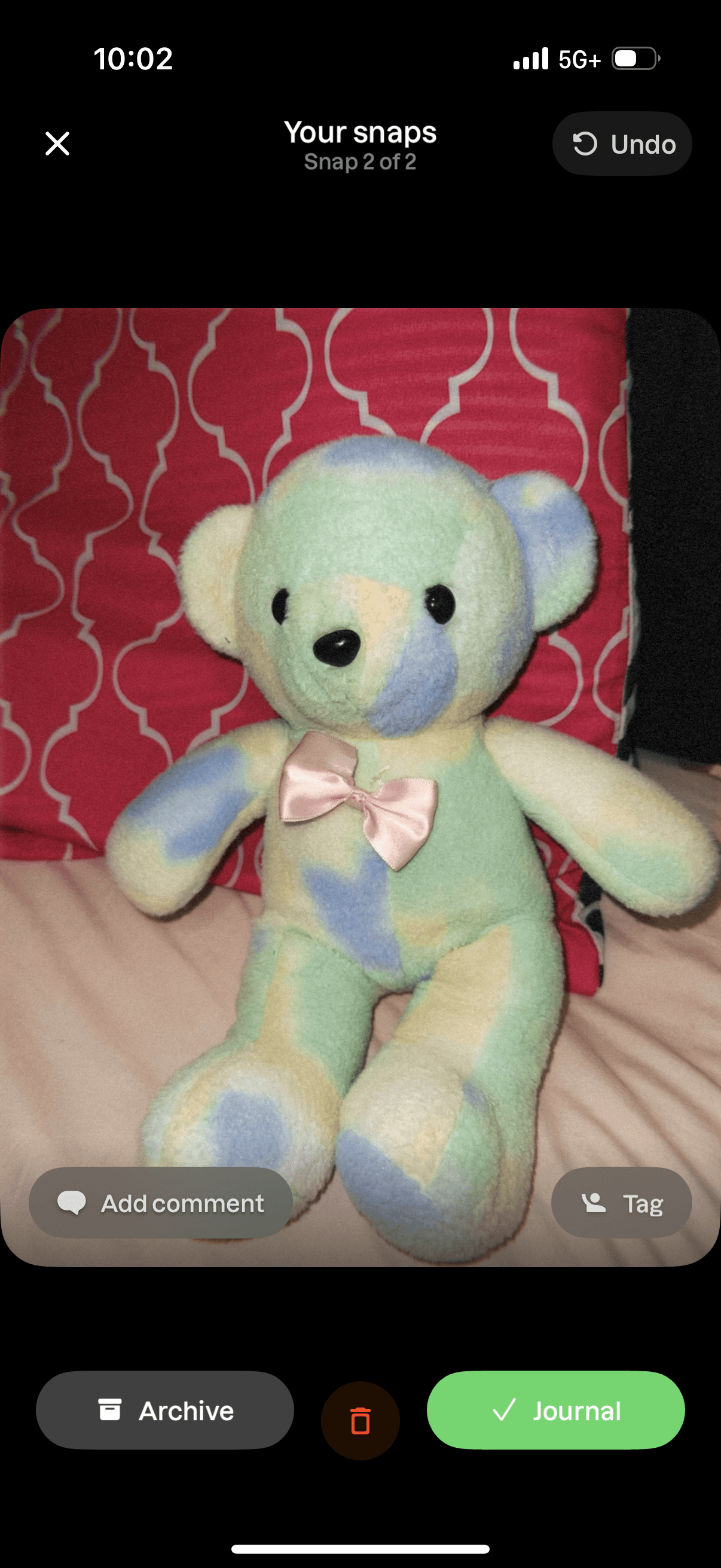
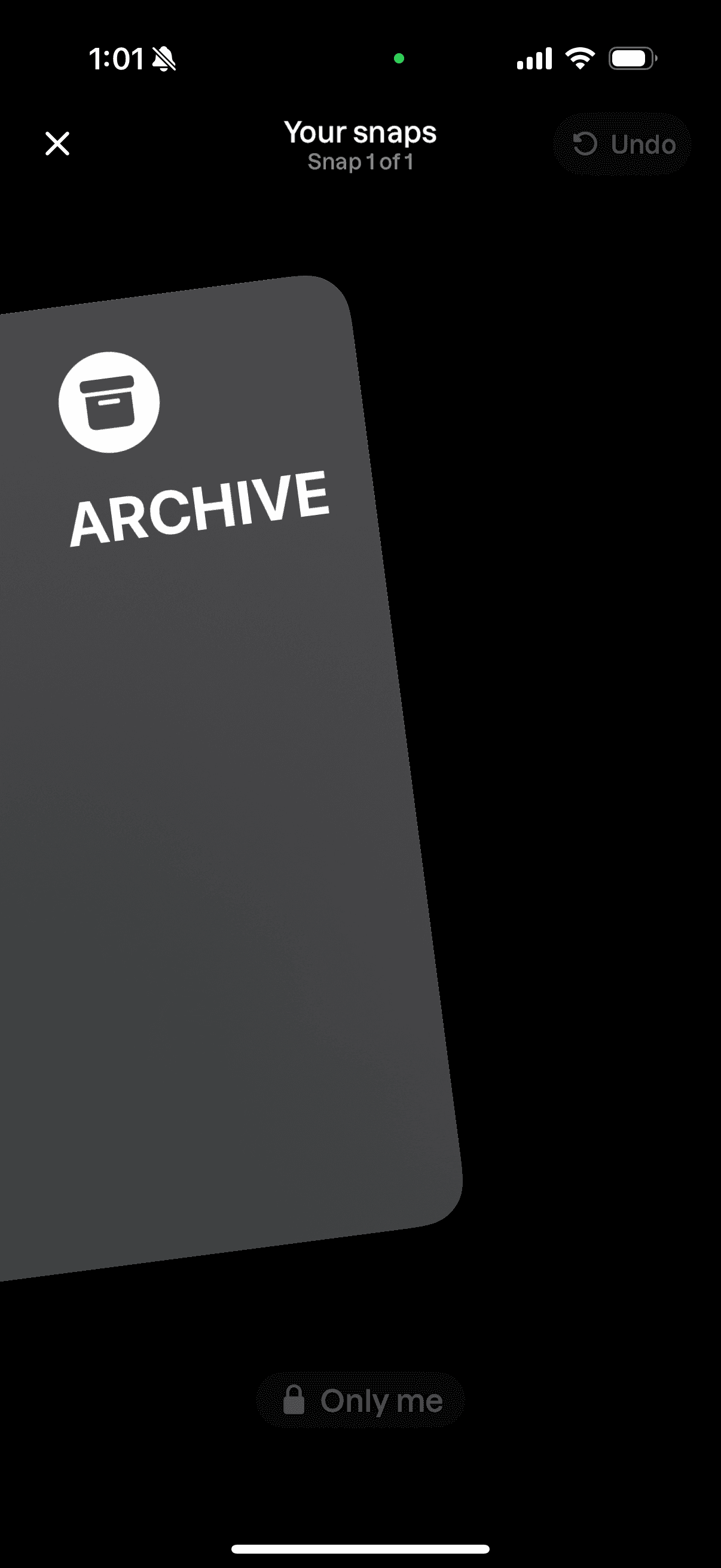
The undo option for archiving is small and hidden, making it hard to notice and reducing recovery chances.
No confirmation step before archiving a memory increases the risk of accidental actions.
Camera Flow
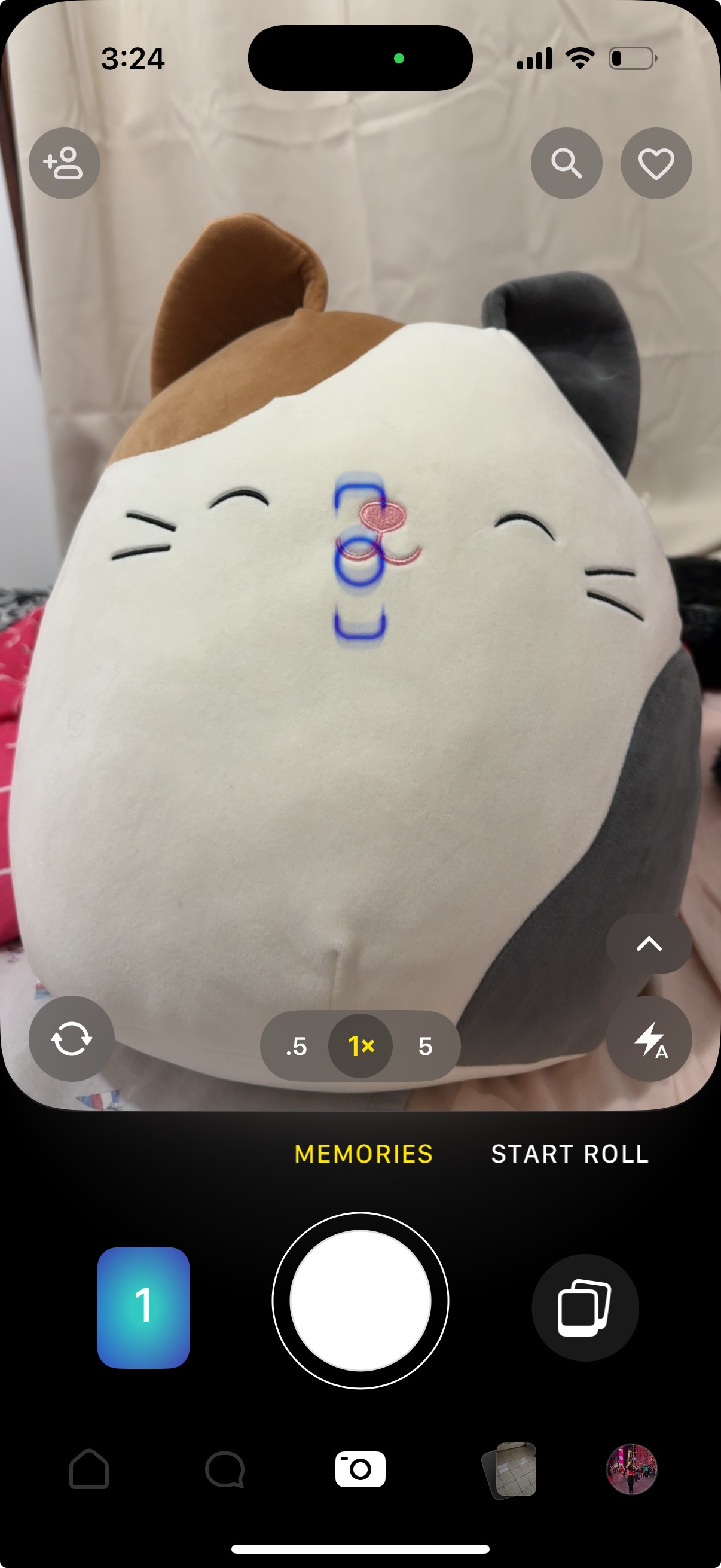
There are two camera buttons on the home screen with different functionality, but the difference is not obvious.
After a photo is taken, it shows under two icons, which breaks the flow by creating uncertainty
Both the search and add-friend icon open a similar add friends page, making them redundant.
Users are refused to use the app unless they invite 5 friends
For a first-time user, the onboarding on Lapse sets a poor first impression. Users normally expect to explore the product and take their first photo, but they are refused until they invite 5 friends. This forces a risky commitment by making the user act as a PR agent for the app.
Similarly, once inside, the heart icon in navigation suggests activity, but for new users, who don’t have any updates from friends the page is blank. This can create a confusion regarding the purpose of this feature.
Design Feature 1
Allowing the users to skip invites, showing a preview of what the app offers, and introducing progressive unlock of features and gamification, will encourage the users to invite friends instead of forcing them upfront.
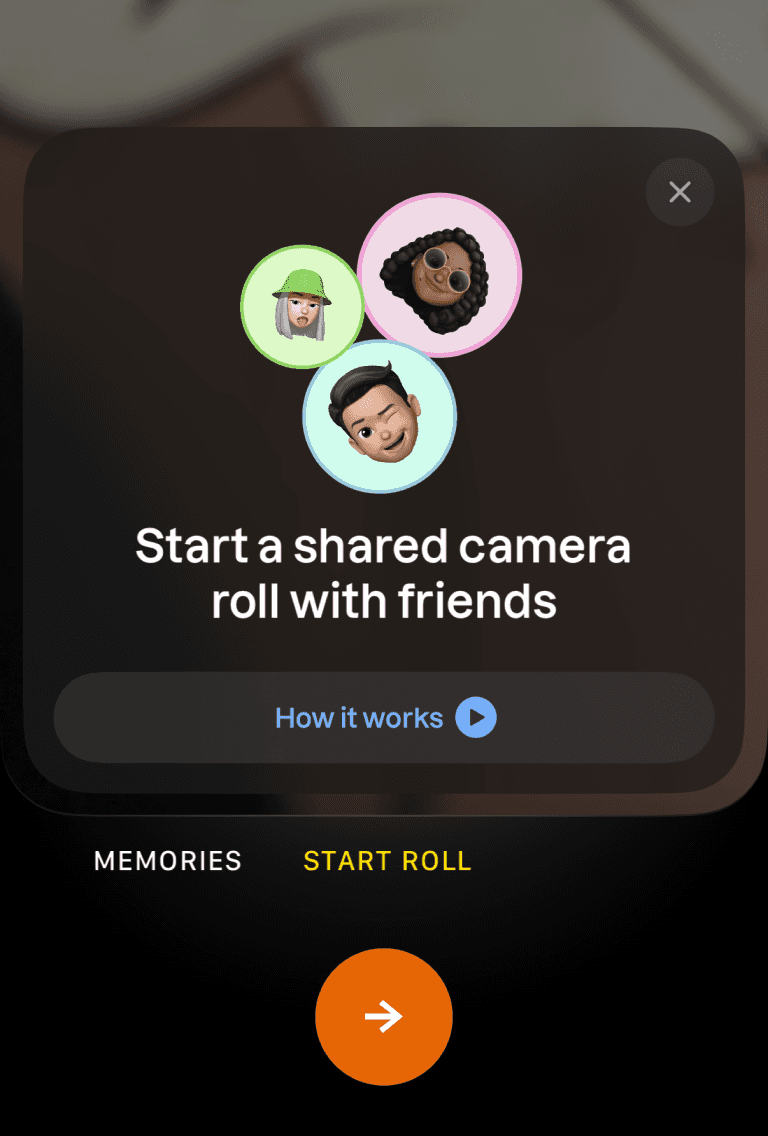
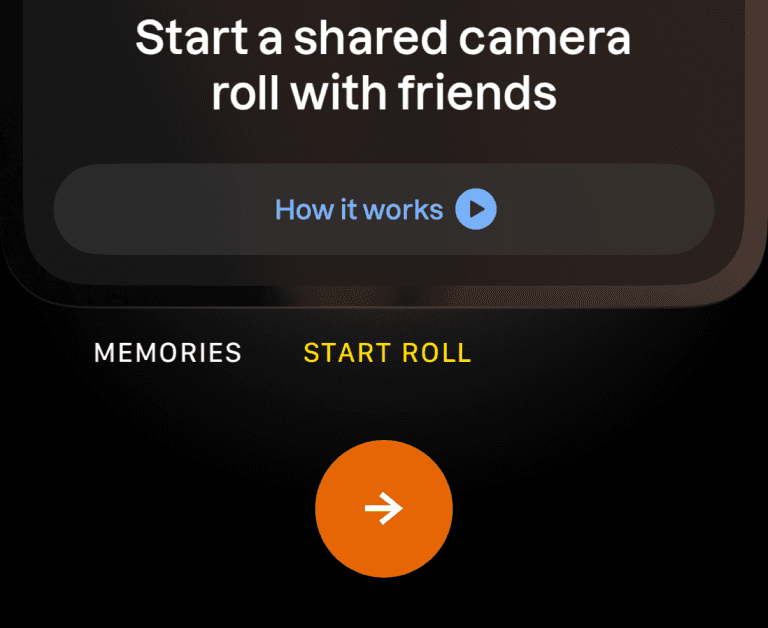
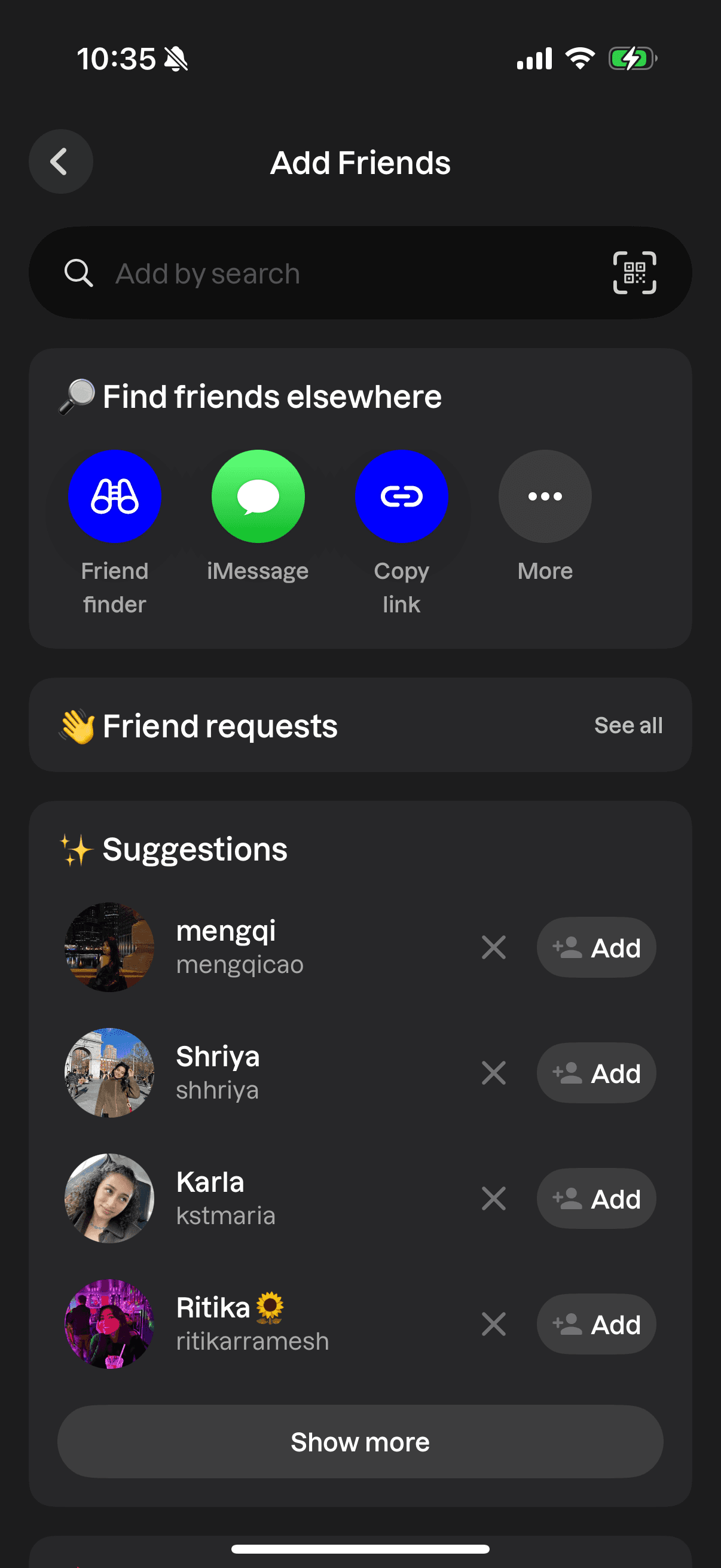
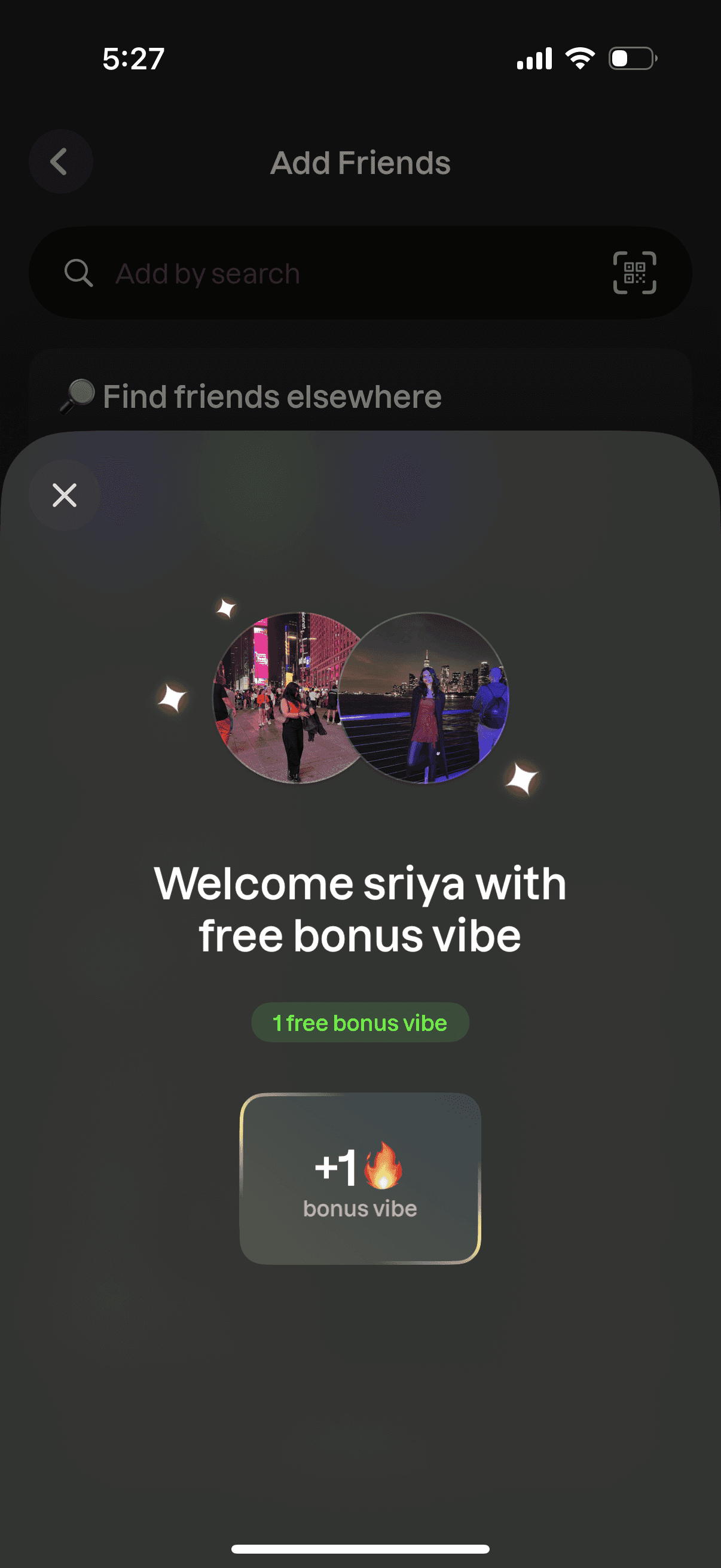
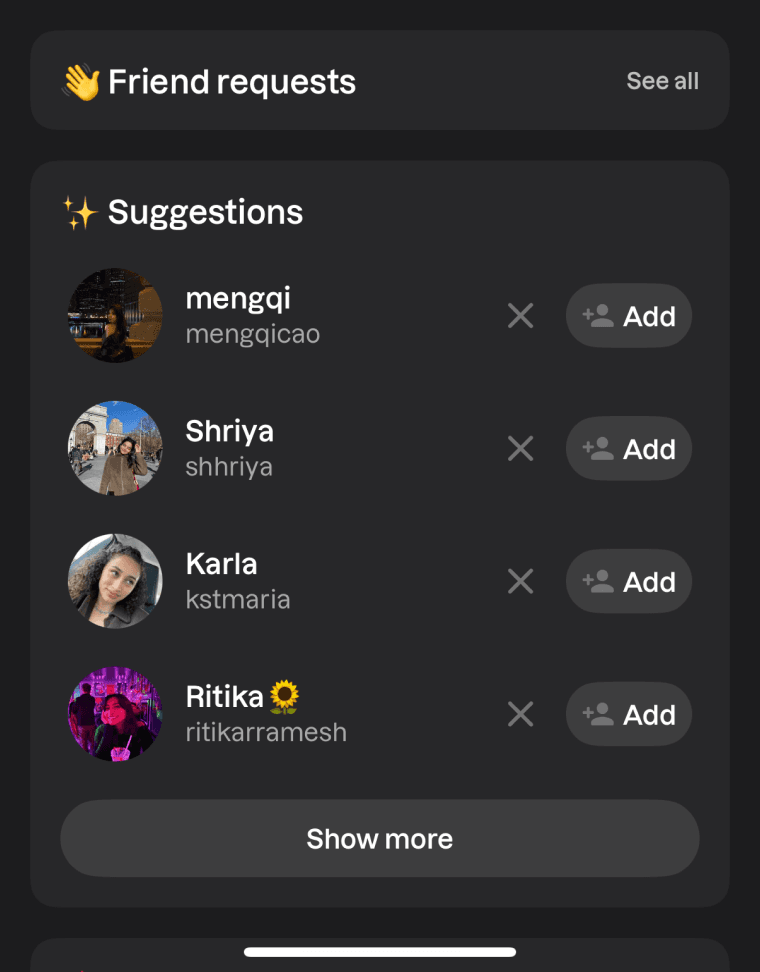
The memories feature is available but the Shared Roll stays locked until at least one friend is invited, creating anticipation and guiding users toward social growth. A prominent invite friends section (See Appendix B for previous “add friends” page) with an incentive of “1 free bonus vibe” next to contacts is added to motivate users to share by turning invites into a rewarding, positive action.
The placeholder text acts a clear signifier of what to expect by explaining what the page is for. Instead of feeling broken, now the feature feels like it’s waiting for them.
Suggested Solution
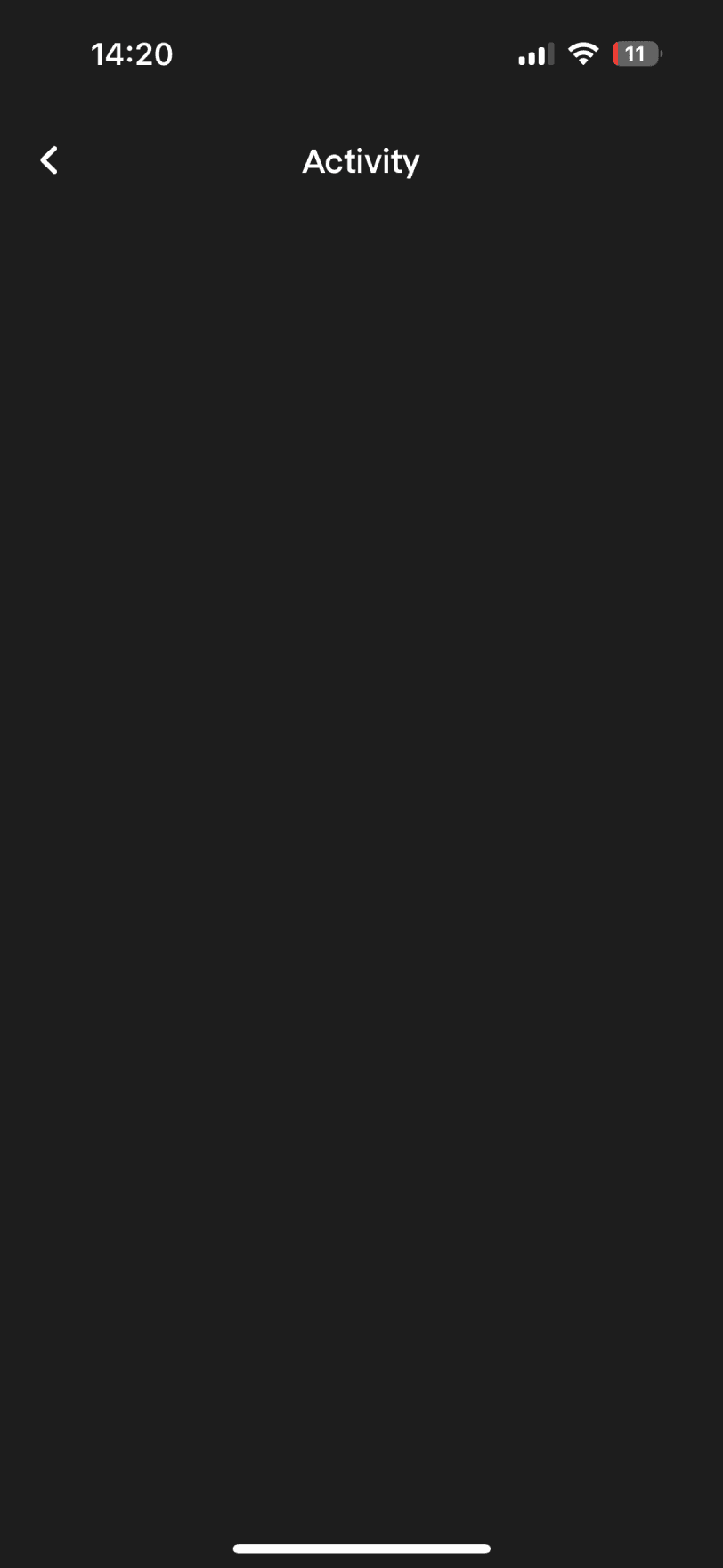
The activity page is blank
without any explanation
for new users when friends haven’t posted yet.
Methodology
User Context
Insights
Feature 1
Feature 2
Feature 3
Feature 4
It’s quiet in here 🤫
Your friends’ updates will start rolling soon!!




Copy link

Alex
Hannah
Mark
Paul

Copy link
Invite Friends with free bonus vibes
Rachel
Green
Invite
Invite
Added a skip option so users can preview the app without forced invites, to lower friction and give user control.
Shared roll stays locked until 1 friend is invited. The lock signifier is intended to build anticipation and guid users toward social growth.
Made the “invite friends” section in the add friends page more prominent by including contact name and framed the title as a positive action.
Placeholder text explains the page, making it feel intentional instead of broken.
A light layer of gamification motivates users with a small, rewarding prize, “1 free bonus vibe.”
Methodology
User Context
Insights
Feature 1
Feature 2
Feature 3
Feature 4
Provided alternate options to invite friends to increase user control.
When the user opens Lapse to click a picture, two camera buttons, a shutter icon and polaroid icon appear on the home screen, which can im. The user wouldn’t expect the polaroid to work like a camera, but it does, and may not realize it until they try it. After a photo is taken, it gets added to 2 similar-looking icons, one is processed as a “snap” and the other can be send directly to a friend as an “instant”. This creates a gulf of execution since the user can’t easily understand what each option will do.
In navigation, both the search icon and the add-friend icon open the similar friends page. Different icons create an expectation of different results, so leading them to the same destination feels redundant.
Design Feature 2
Methodology
User Context
Insights
Feature 1
Feature 2
Feature 3
Feature 4
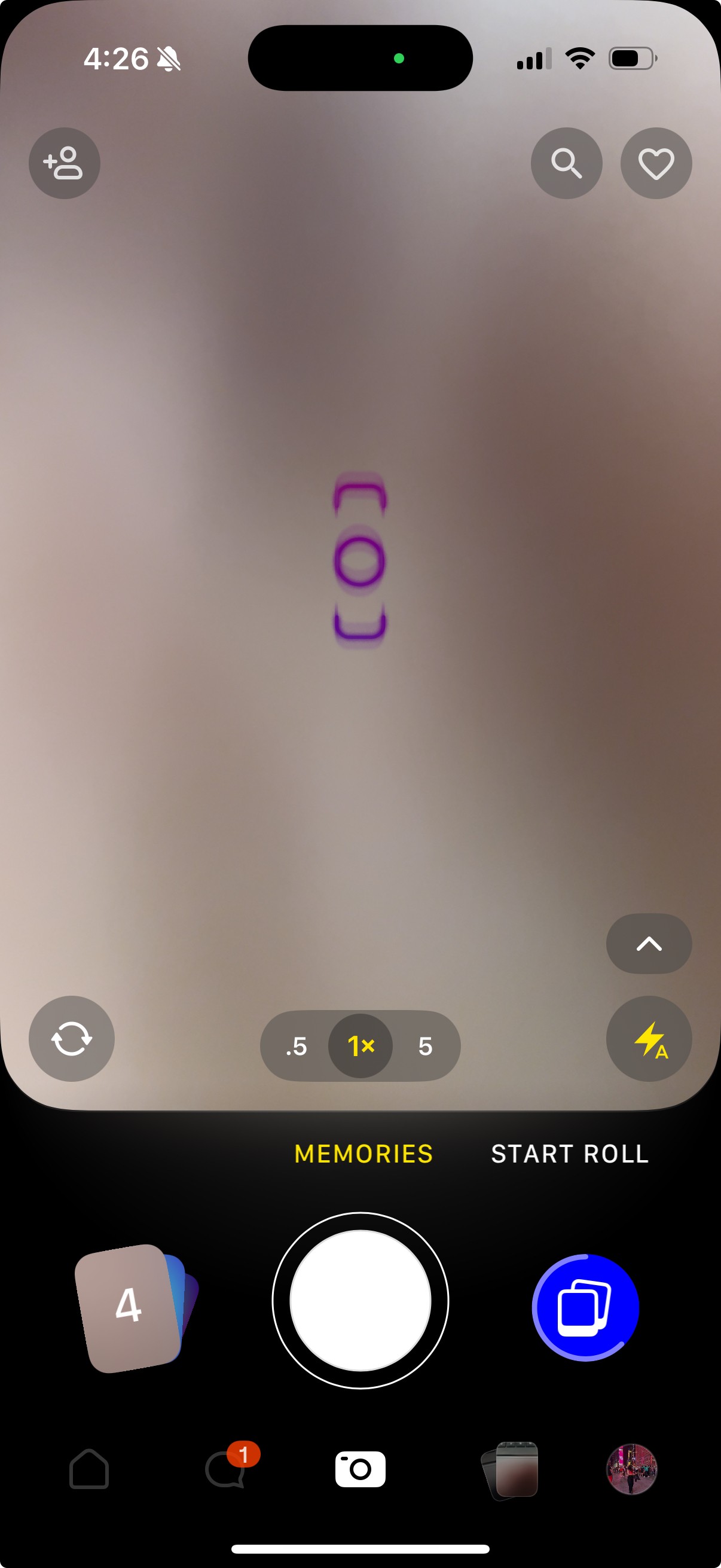
After clicking a picture,
it gets added to both the icons without clear signifiers, indicating whether the image saves as a memory or sends as an instant.
Both the icons work
as cameras with
different functionalities, which creates a confusion due to the lack of consistency.
Users don’t expect the
polaroid icon to act as
a camera, which is a bad mapping and reduces its discoverability.
Redundant icons which
compete with the relevant information.
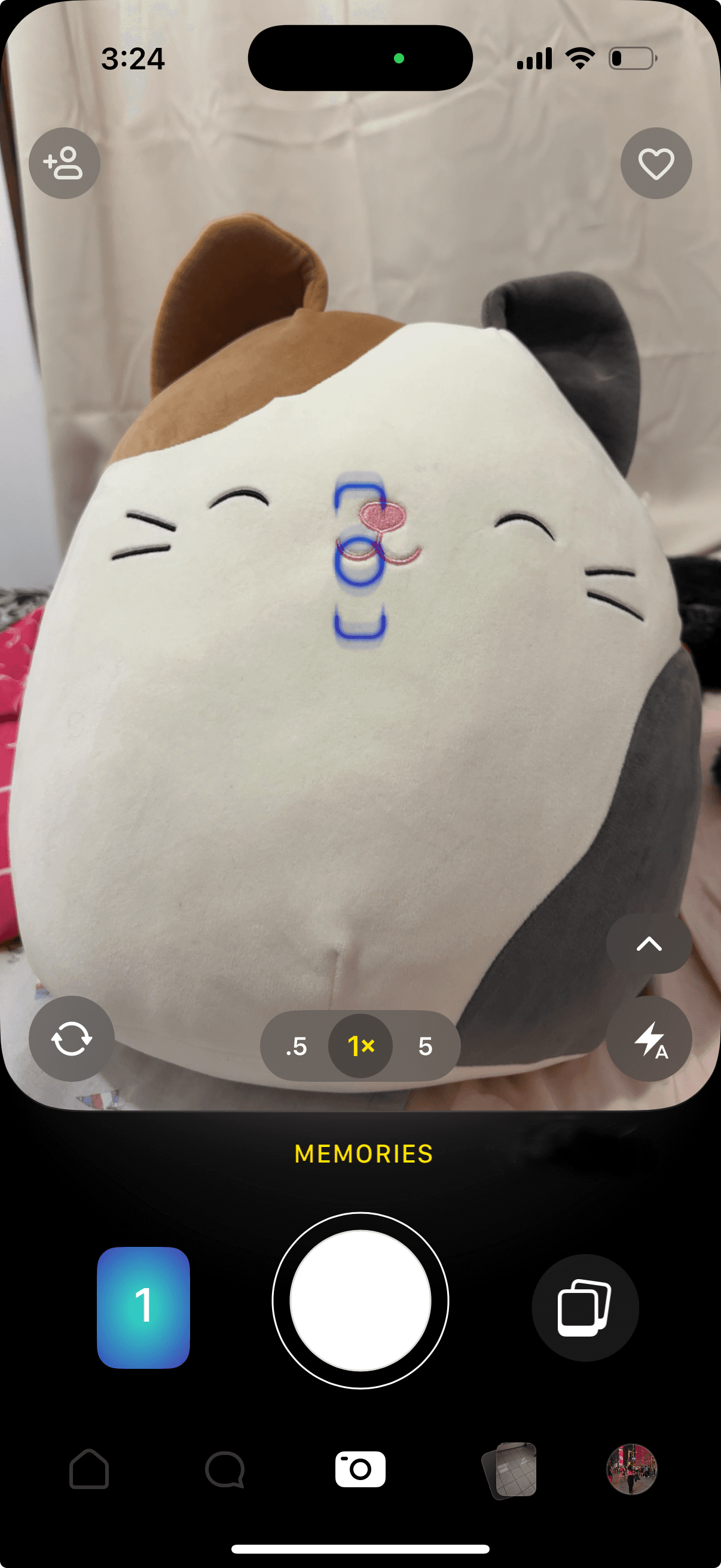
INSTANT

MEMORIES
INSTANT
SHARED ROLL
Since the search was already included in Add Friends, removed duplicate icon to simplifies navigation
Instant mode
INSTANT

Used a single shutter with mode switch between ‘Memories’ and ‘Instant’, with clear signifiers to explain the outcome upfront, reducing errors and cognitive load.
Memories mode
Methodology
User Context
Insights
Feature 1
Feature 2
Feature 3
Feature 4
I added different modes to switch between memories and instant, with a single shutter. This explain the outcome before the shot and gives a clear next step after it, so users don’t have to remember which icon does what and mis-taps reduce. Now a photo can either be a ‘snap’ or an ‘instant’, not both, which in a way boosts engagement because users would flip the mode and take a second shot.
Since the search functionality is already included within the add friends icon, I removed the search icon from the navigation to reduce redundancy.
Suggested Solution
Instead of supporting the user’s mental model, “tap and engage with my friend’s post” the actions to interact with the post, vibe, comment and reactions are scattered across the interface and share is hidden inside a three-dot overflow menu adding unnecessary steps. This layout doesn’t map to their expectations, so even though the features exist, they don’t feel accessible.
Design Feature 3
Suggested Solution
Methodology
User Context
Insights
Feature 1
Feature 2
Feature 3
Feature 4
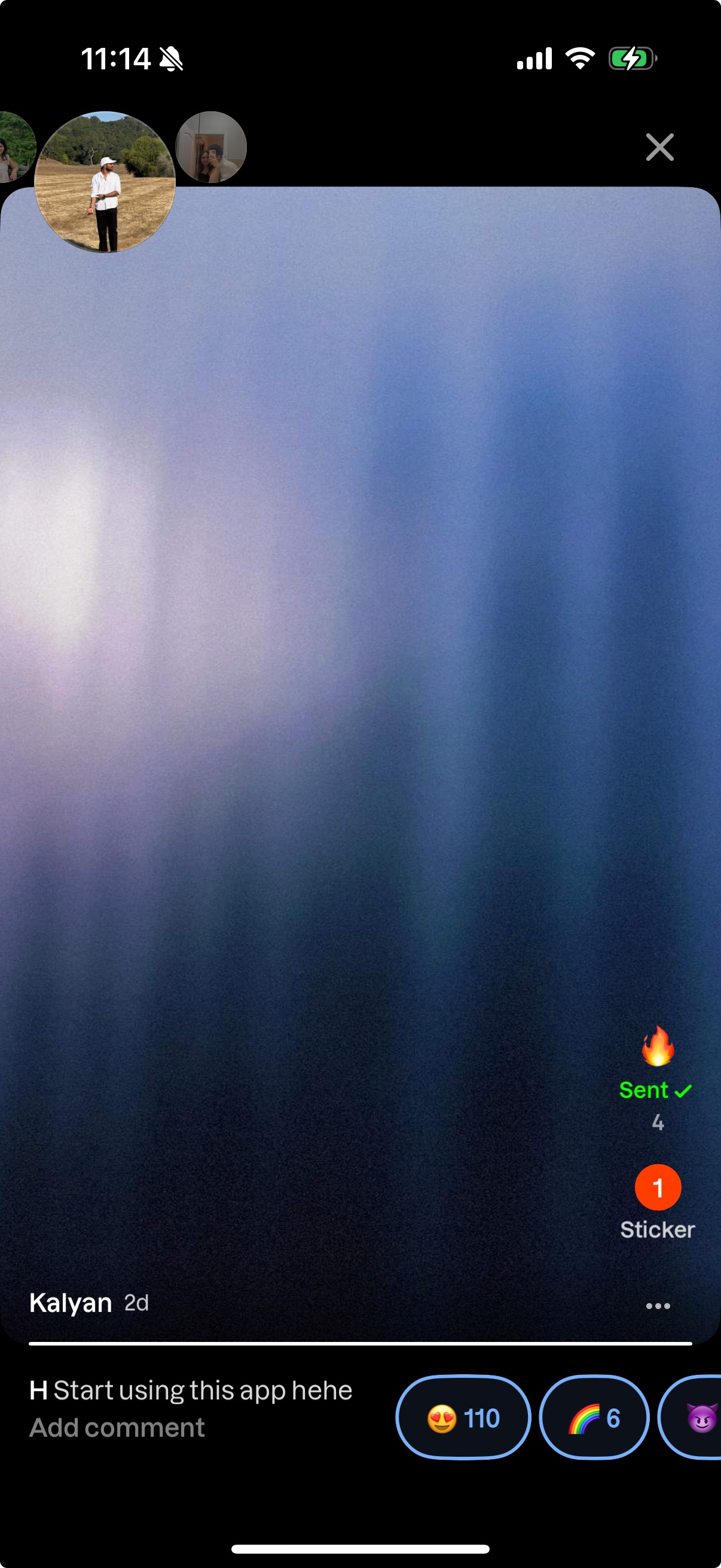
The different actions to interact with the post are scattered which is a poor mapping and breaks established mental models
Grouped comment, reaction, sticker, and share together at the bottom-left of the post.
To personalize the experience, I included only the emojis which users choose when creating their profile. This also adds meaning to those emojis now.
See Appendix A for more context.
The share option is hidden in the overflow menu which impacts its visibility.
Placed Vibe on the bottom-right, keeping it distinct since it is a unique interaction highlighted across the app.
Reactions now expand on tap and are simplified to one reaction per post, reducing clutter.
Sticker
React
❤️
🫣
🐣
✨
❤️
Send
I reference
When a user tries to archive a memory, there’s no error prevention mechanism to stop accidental actions. If they archive something by mistake, the undo option is small and hidden in the corner, reducing its visibility and making recovery difficult.
Design Feature 4
A confirmation dialog with clear signifiers before a memory is archived, will create a visible constraint that stops the user from making a mistake and reduces confusion.
Suggested Solution
Methodology
User Context
Insights
Feature 1
Feature 2
Feature 3
Feature 4
This snap will be added to you memories.
You can bring it back anytime.
👀 Archive this for now?
Archive
Keep it
Undo is tucked away in a corner, reducing its visibility and making recovery difficult.
There is no error prevention, users can accidentally archive memories.
Added a clear confirmation step before archiving. This signifier acts as a constraint to reduce confusion and prevents mistakes.
Appendix:
Appendix A: Context behind personalized emoji reactions in the feed
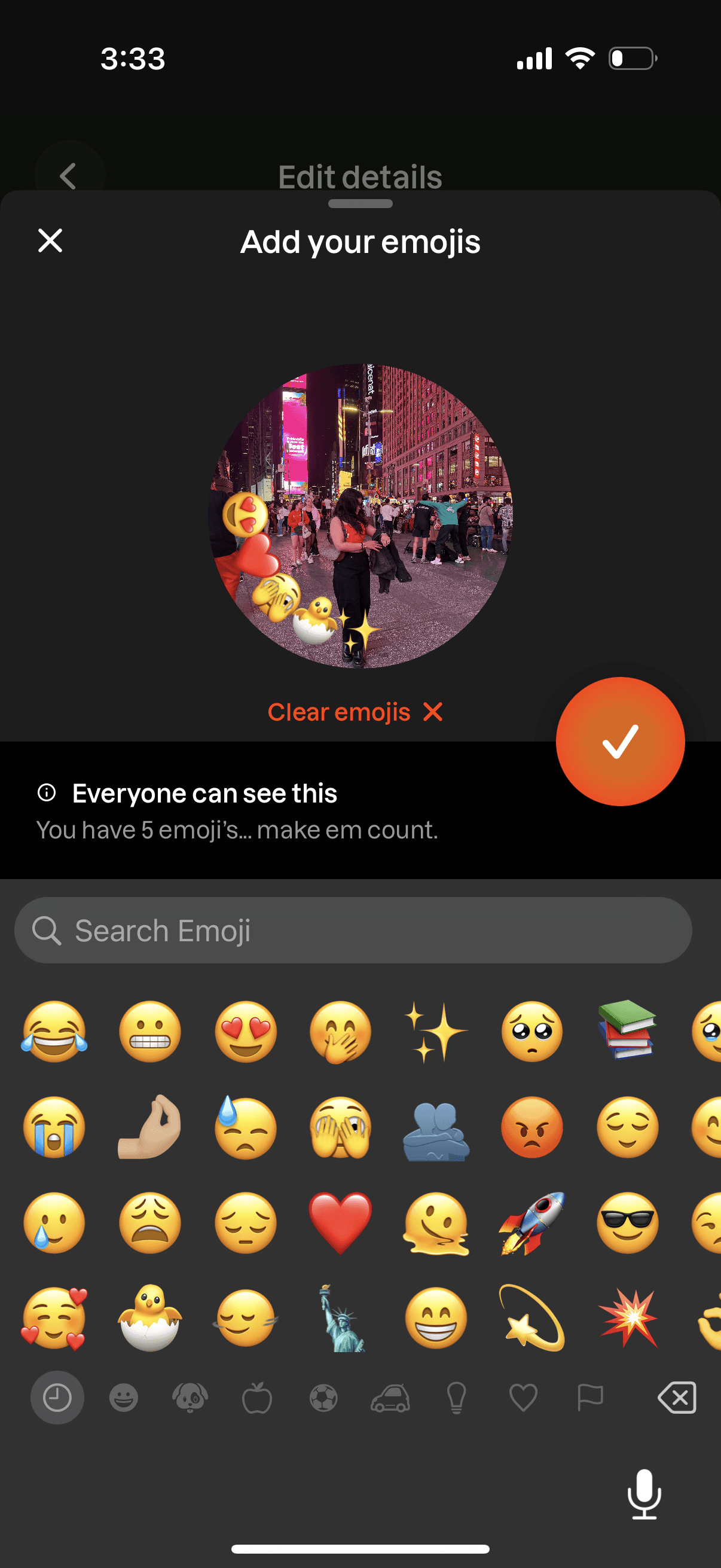
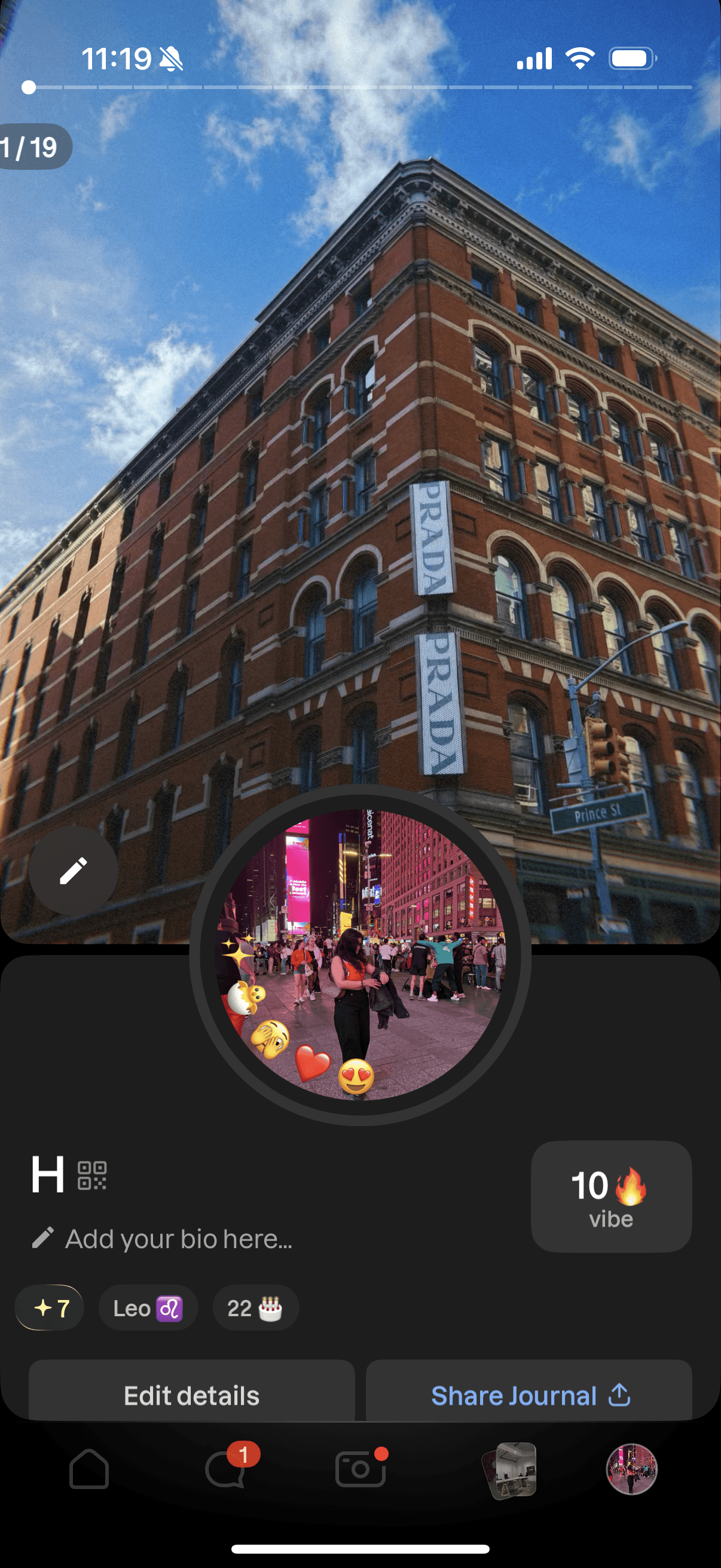
When setting up their profile, users are asked to add emojis, but these don’t really have a meaning. To give them value and purpose, the same emojis are used as the only available reactions on friends’ posts in the feed.
Appendix B:
Before screen for add friends page.